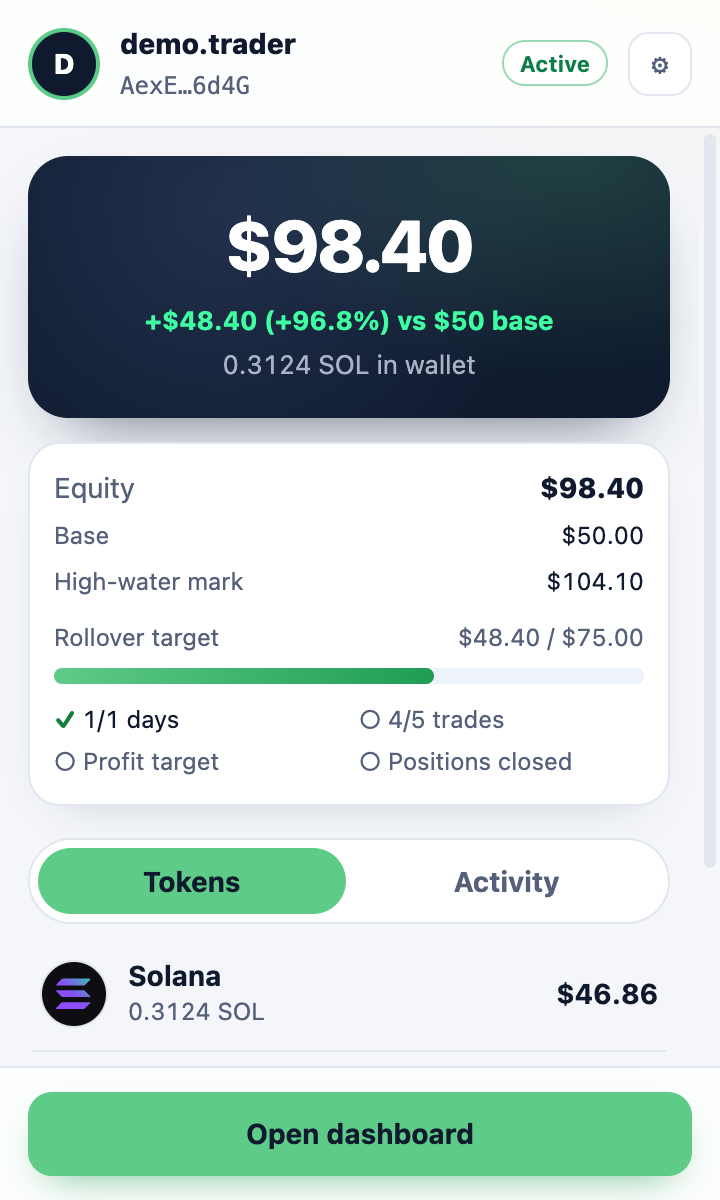
Get started.
Not funded yet? Apply for $50 first; you can install the extension while you wait in the queue. Installing takes about two minutes.
Download the extension
Download the Funded Wallet zip (beta v0.1.1). It’s only on getfunded.fund. The Chrome Web Store listing is coming soon.Download for ChromeBeta v0.1.1 · zip · 37 KB · Chrome Web Store: coming soon
SHA-256 checksum
0cb7ddba9f64ca155aa7d79571e1d6df04d0bf881565504e243b9f01fe1102f9Check it withshasum -a 256 funded-wallet-0.1.1.zipUnzip it
Double-click the zip. You get a folder calledFunded Wallet 0.1.1. Keep it somewhere it won’t be deleted: Chrome loads the extension from that folder.Open the extensions page
In Chrome, typechrome://extensionsin the address bar and press Enter.Switch on Developer mode
Use the Developer mode switch in the top right corner.chrome://extensionsExtensionsDeveloper modeLoad unpackedPack extensionUpdateDiagram: switch on Developer mode, then click Load unpacked. Load unpacked
Click Load unpacked and select theFunded Wallet 0.1.1folder you unzipped. Funded Wallet appears in the list.Pin it
Click the puzzle-piece icon in Chrome’s toolbar and pin Funded Wallet, so it’s always one click away.Log in with your pairing code
Click the extension and press Log in. Your dashboard shows a one-time pairing code; type it in. It works once and expires after 10 minutes.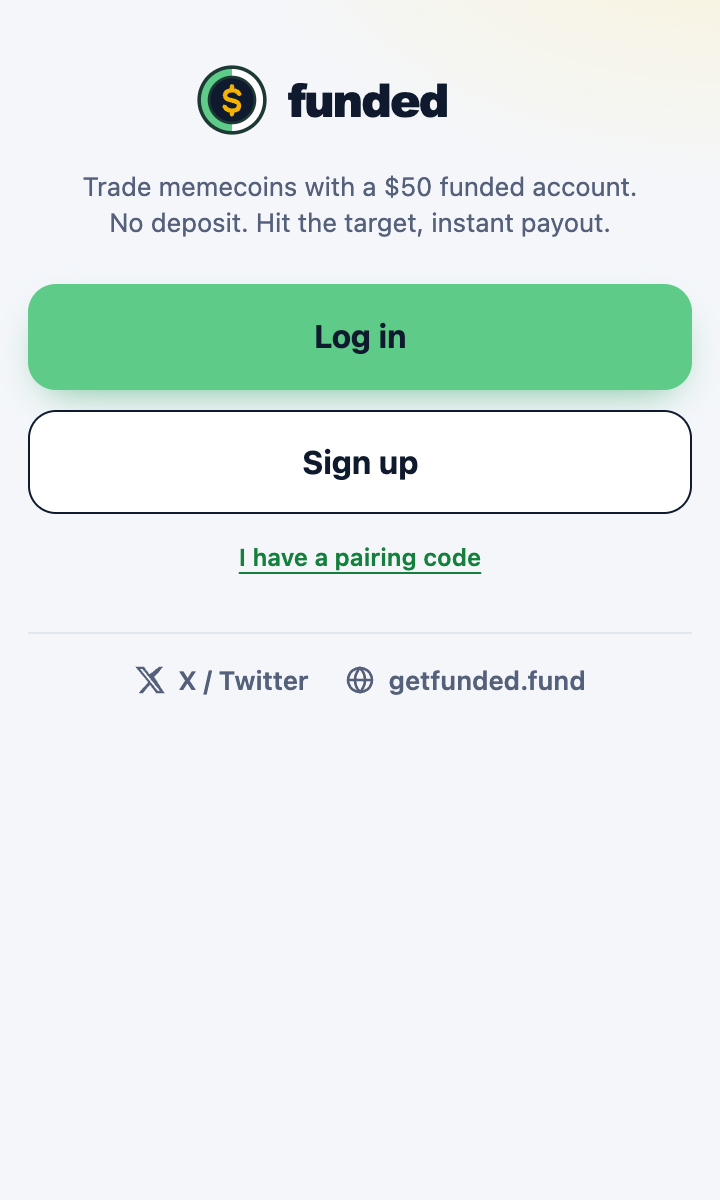
Trade on pump.fun
Open pump.fun, click Connect wallet and pick Funded Wallet. Approve the sign-in. Keep slippage at 15% or lower. The popup shows your balance, coins and progress to $125.